Information available about a device
For any device connected to your system, you can display the following information:
- Type of drive
- Vendor ID
- Product ID
- Firmware number
- ARCserveIT device group name
- Cartridge type
- Whether compression is available for the drive
- Format Code
- Block Size
- Status
- Operation being performed
- SCSI Command
The information available for adapter cards includes:
- Name of adapter
- Board number
- The SCSI ID - (shown along with the adapter icon).
To get information about an adapter card:
1. From the Device Manager, select Adapter View.
The selected adapter's information will be displayed in the device information area.
Follow the steps below to view basic information about a device:
1. Select the drive from the list of available drives.
2. Select the Summary Tab located to the right of the device browser area.
To get more details about a device:
1. Select the Detail Tab located to the right of the device browser area.
The information displayed on the "Device information" section is shown below: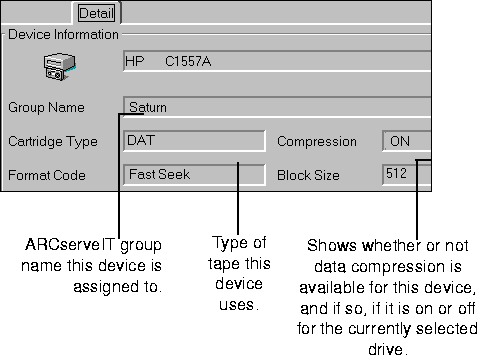
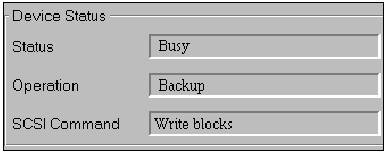
You can check the status of any device connected to your system. The status information includes the following:
1. Select the drive from the list of available drives.
The information in the Device Status area is for the device drive that is currently selected: