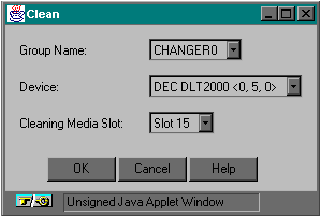
ARCserveIT allows you to use a head cleaning tape to clean any tape drive inside your changer.
| You must have a head cleaning tape in the very last slot of your changer. ARCserveIT always picks the tape from this slot to clean the tape drive heads. |
To clean tapes heads, perform the following steps:
| You must select the changer or one of its associated slots in order for the Clean icon to be displayed. In Group View you must select the Changer slot. |