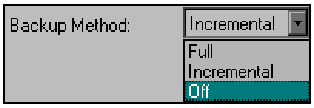
You can customize the default backup method, by modifying the parameters associated with a particular day within the backup cycle. One way to do this, is from the Cycle Table Tab.
Follow the steps below to modify the default backup method:
For an alternative method of changing the Backup Method, see `Modifying the backup method when using Calendar view' on page 6-20.