


Once a Server group is created, you can assign any ARCserveIT server's job queue (within a given domain) to that group.
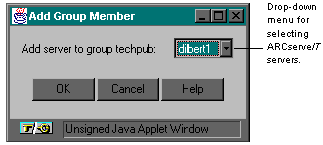
4. Click OK to add the server to the selected group.
To display all the servers contained in a particular group, select the group icon. To display a particular server's job queue contained in a Server group, select that server from under the group icon.