


If your device drive supports compression, you can tell ARCserveIT to take advantage of it or not by turning it on or off. You need the proper operating privileges to perform this function.
Normally, you will want to leave compression on. The only time you should turn it off is if you plan to use the media in another comparable drive that doesn't support compression. The drive that doesn't support compression will not be able to read the compressed data on the media.
| You can only change compression when a blank media is in the drive. This prevents the "mixing" of uncompressed and compressed data between sessions on a particular media. |
Follow the steps listed to turn compression on and off:
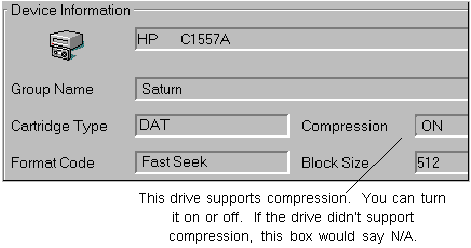

3. Click OK to set the Compression Mode to OFF (if it is On) or On (if compression is Off).
