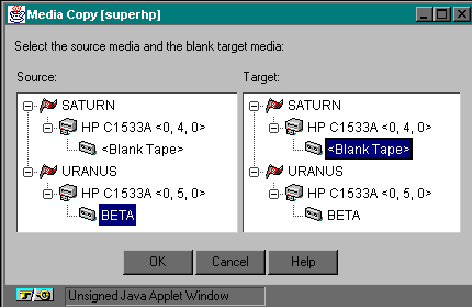
To make a media to media copy (i.e., duplicating a tape), you will need two drives that use the same type media. Also, the tapes should be the same size and length.
You can only copy to blank media. If you insert media into the destination drive that hasn't been formatted by ARCserveIT (and has data on it written by another application), then ARCserveIT will treat that media as being blank, and any information on that media will be destroyed.
Follow these steps to make a media to media copy: